
How to Order Custom Shirts Online: A Practical Guide
You've found a design you like, chosen a shirt color, and opened an online transfer store. Then the practical questions begin. Is the file transparent? Should it be mirrored? Will one large sheet cost less than several individual transfers? And after the package arrives, will the print survive pressing, washing, and regular wear?
Ordering custom shirts online works well when you treat it as a production workflow rather than a simple design purchase. The important decisions happen before checkout: selecting the right transfer format, preparing artwork correctly, checking the garment, and following the application and care instructions. The result can be vibrant and repeatable, but small preparation mistakes can turn a good design into a shirt you can't sell or wear confidently.
Why Digital Transfers Changed the Game
Screen printing still makes sense for a coordinated run of the same design, but it's often a poor fit for one-off garments, changing artwork, or small product tests. Traditional screen printing needs setup for each color and design, so the preparation can outweigh the value of a short run. Digital transfers move much of that complexity upstream into the artwork and printing process.
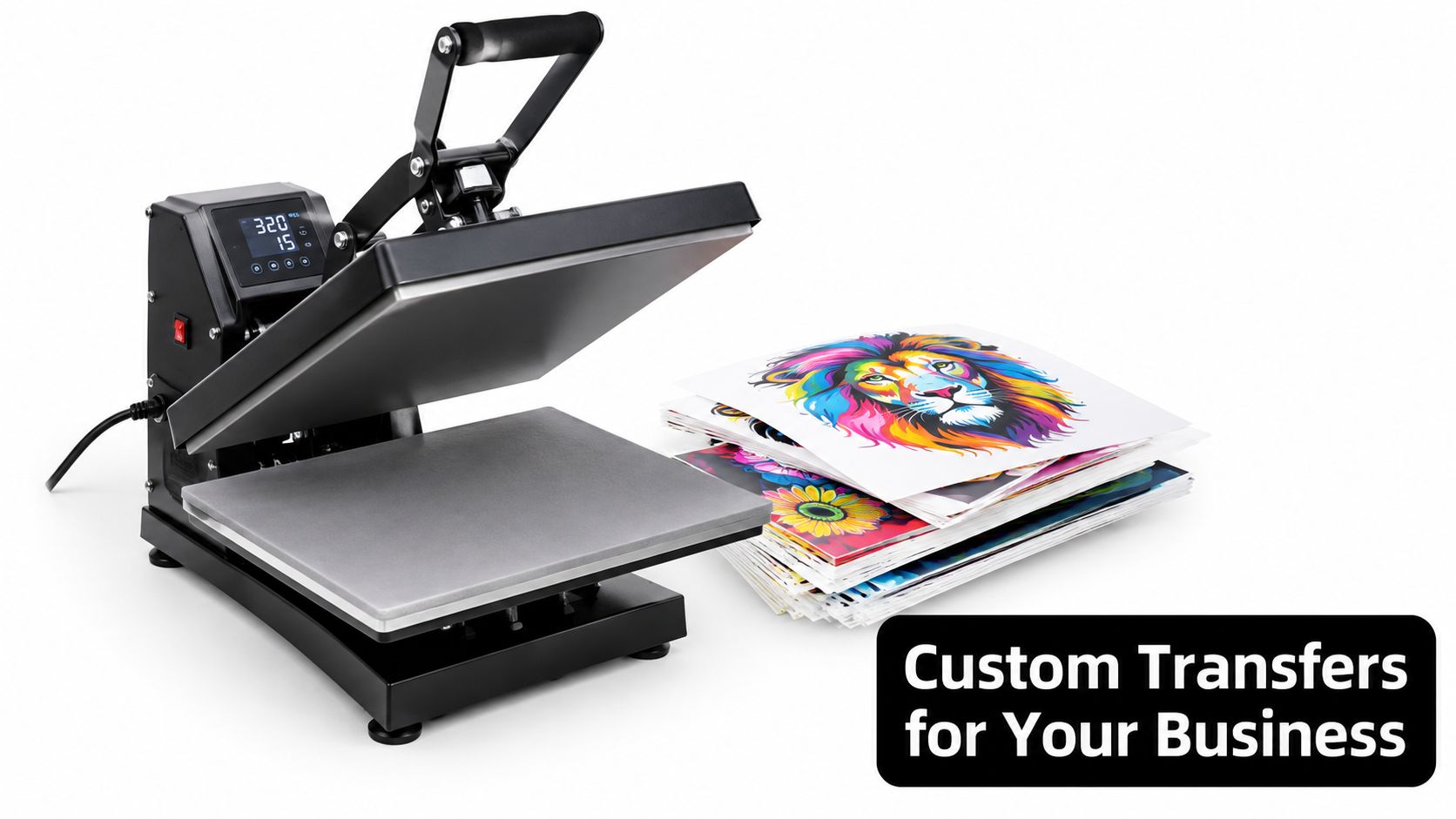
Direct-to-Film, or DTF, prints the design onto a film carrier with adhesive powder. You receive a ready-to-press transfer, position it on the garment, and apply it with a heat press. There's no screen alignment for each color and no hand-weeding of every intricate shape. Fine lines, gradients, small lettering, and full-color artwork become practical for individual orders.
UV-DTF serves a different purpose. It creates adhesive-backed graphics for smooth hard surfaces such as glass, plastic, metal, ceramic, laptops, and bottles. It doesn't replace apparel DTF, but it fits the same online workflow: upload artwork, choose the format, receive a prepared transfer, and apply it without building a traditional print setup.
Why the online model works
The commercial opportunity reflects this flexibility. The global custom T-shirt market was valued at approximately $1.95 billion in 2023 and is projected to reach $3.72 billion by 2030, with digital customization and made-to-order fulfillment identified as important drivers in the estimate (market estimate for custom apparel). Those figures use their own market definitions, so they shouldn't be combined with other apparel estimates as though they measured the same thing.
The technical foundation developed over time. Matthew Rhome filed a patent for direct-to-garment printing in 1996, and DTG systems became commercially visible in the United States in late 2004, followed by Brother's GT-541 introduction in early 2005 and the later appearance of white ink for dark garments (history of digital garment printing). That progression made short-run, digitally controlled apparel more accessible.
Practical rule: Use screen printing when the same design and setup will be repeated at meaningful volume. Use digital transfers when flexibility, detail, or a small batch matters more than traditional setup economics.
Before choosing a supplier, compare actual live product demand rather than relying only on broad trend commentary. Tools that let you compare live POD bestseller data can help you inspect niches and design categories, but market interest still needs to be tested against your own audience, garment choice, and production costs.
Choosing Between By-Size Transfers and Gang Sheets
The first purchasing decision is often simple: do you want a transfer prepared at a specific finished size, or do you want to arrange several designs together on one sheet?
Transfers by size reduce planning work. You choose the intended dimensions, upload the artwork, and receive a transfer suited to that size. This is useful when placement matters, when a design must be consistent across garments, or when you're ordering a small number of identical applications.
Gang sheets combine multiple graphics on one printed sheet. You place designs close together while leaving enough separation for cutting and handling. A gang sheet can contain repeated copies of one logo, several sizes of the same artwork, or entirely different designs for a product test.
A practical comparison
| Feature | Transfers by Size | UV DTF Gang Sheets |
|---|---|---|
| Best use | Consistent, predetermined artwork sizes | Multiple graphics or repeated designs |
| Planning effort | Lower | Higher, because you arrange the sheet |
| Placement control | Straightforward for a defined size | Depends on how carefully the sheet is built |
| Production flexibility | Good for standard applications | Good for mixed designs and efficient space use |
| Main risk | Ordering the wrong size | Crowding designs or leaving unusable gaps |
| Application | Heat press for apparel DTF, or surface application for UV-DTF | UV-DTF transfers apply to suitable smooth hard surfaces without heat |
If you have five identical chest logos, a gang sheet can let you arrange the copies efficiently. If you have twenty unrelated designs for twenty shirts, the same format may make more sense because you're using one sheet for a mixed order. The calculation changes when every garment needs a different finished size or a carefully positioned back print. In that case, ordering by size is easier to control.
For hard-surface products, Get UV DTF Transfers by Size provides a defined-size route for adhesive-backed graphics intended for surfaces such as glass, plastic, metal, ceramic, laptops, and water bottles. The catalog information specifies PNG, PDF, and AI uploads, no need to mirror the artwork, and hand washing as the preferred care method for longer life. It also states that orders are usually ready for pickup or shipping within 24 hours, depending on volume, while noting that performance varies by use and that the product carries no warranty or guarantee.
Plan the sheet before you buy
A good gang sheet starts with a production list, not a blank builder. Write down:
- Finished dimensions: Decide the intended width and height of every design.
- Quantity per design: Separate samples, customer orders, replacements, and extras.
- Application surface: Apparel and smooth hard surfaces require different transfer types.
- Cutting space: Keep designs separated enough to trim and handle without damaging neighboring graphics.
- Repeatability: Save the arrangement if you expect to reorder the same products.
The cheapest-looking format can become expensive if it creates waste, mis-sized graphics, or slow application. Choose by how many designs you need, how exact each size must be, and how much preparation you're willing to do.
Preparing Your Artwork for Success
Most online transfer problems begin before the order is submitted. The printer can reproduce what you upload, but it can't reliably repair missing transparency, soft edges, incorrect proportions, or artwork that was mirrored unnecessarily.
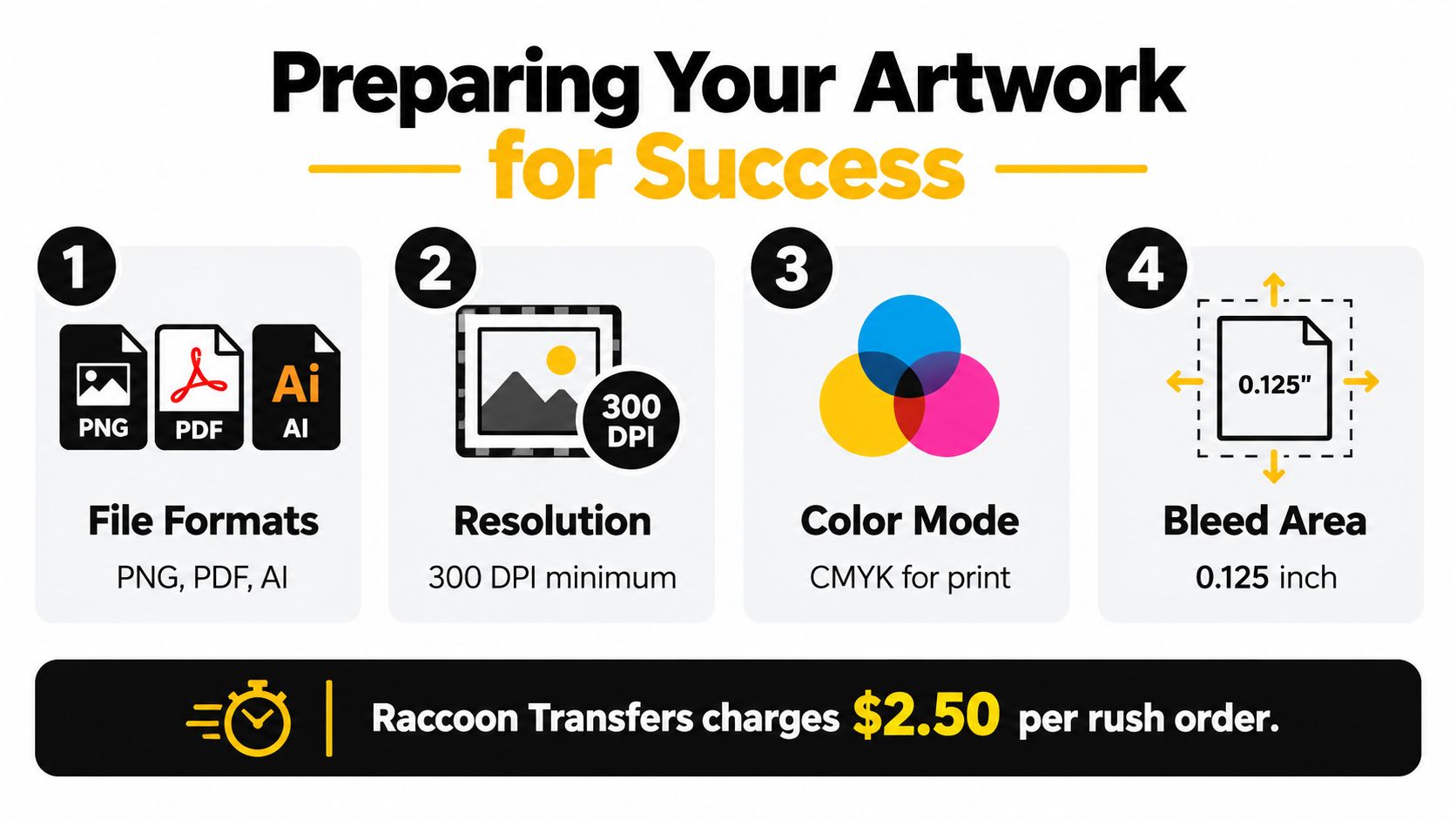
Start with a clean production file. Raccoon Transfers' catalog information identifies PNG, PDF, and AI as accepted formats for its transfer products. A transparent PNG is often practical for a standalone graphic, while PDF or AI can preserve vector information when the artwork is built in a professional design application.
Run a preflight check
Use this checklist before uploading:
- Inspect transparency: Delete any background you don't want printed. A white rectangle behind a logo will remain a white rectangle on a dark shirt unless the file has genuine transparency.
- Check resolution: Work from a sufficiently detailed source file. Enlarging a small web image can create jagged edges and blurred lettering.
- Confirm proportions: Scale the design without stretching it. Compare the final width and height with the printable area of the garment.
- Review small details: Thin strokes, tiny text, and narrow gaps may disappear or fill during production.
- Keep the artwork upright: Don't mirror DTF or UV-DTF artwork unless the supplier specifically instructs you to do so. The catalog guidance for Raccoon Transfers says not to mirror uploaded images.
- Separate color expectations: RGB is designed for screens, while printing uses inks and transfer layers. Bright screen colors can translate differently on film, so judge the design as printed rather than assuming your monitor is a proof.
The supplied infographic includes a 300 DPI minimum, CMYK guidance, and a 0.125-inch bleed area. Treat those as production specifications for the workflow shown there, but always follow the current requirements of the supplier and product you're ordering.
For a fuller file-preparation reference, use Raccoon Transfers' guide to prepare artwork for printing. If your artwork will also appear on vehicle graphics or other adhesive products, a practical custom car decals resource can help you think through transparency, sizing, and surface-specific artwork decisions.
Make the file match the job
Name files clearly, especially when several versions look similar. Include the design name, intended size, garment location, and color variation in the filename. Before checkout, open the final file at a useful viewing size and inspect the edges against both a light and dark background.
Don't rely only on a digital mockup. A mockup can show placement, but it won't reveal whether a small gap is too narrow, whether the white underbase changes the appearance, or whether the chosen size feels oversized on the actual garment. Those decisions belong to the production check.
Placing Your Order and Managing Expectations
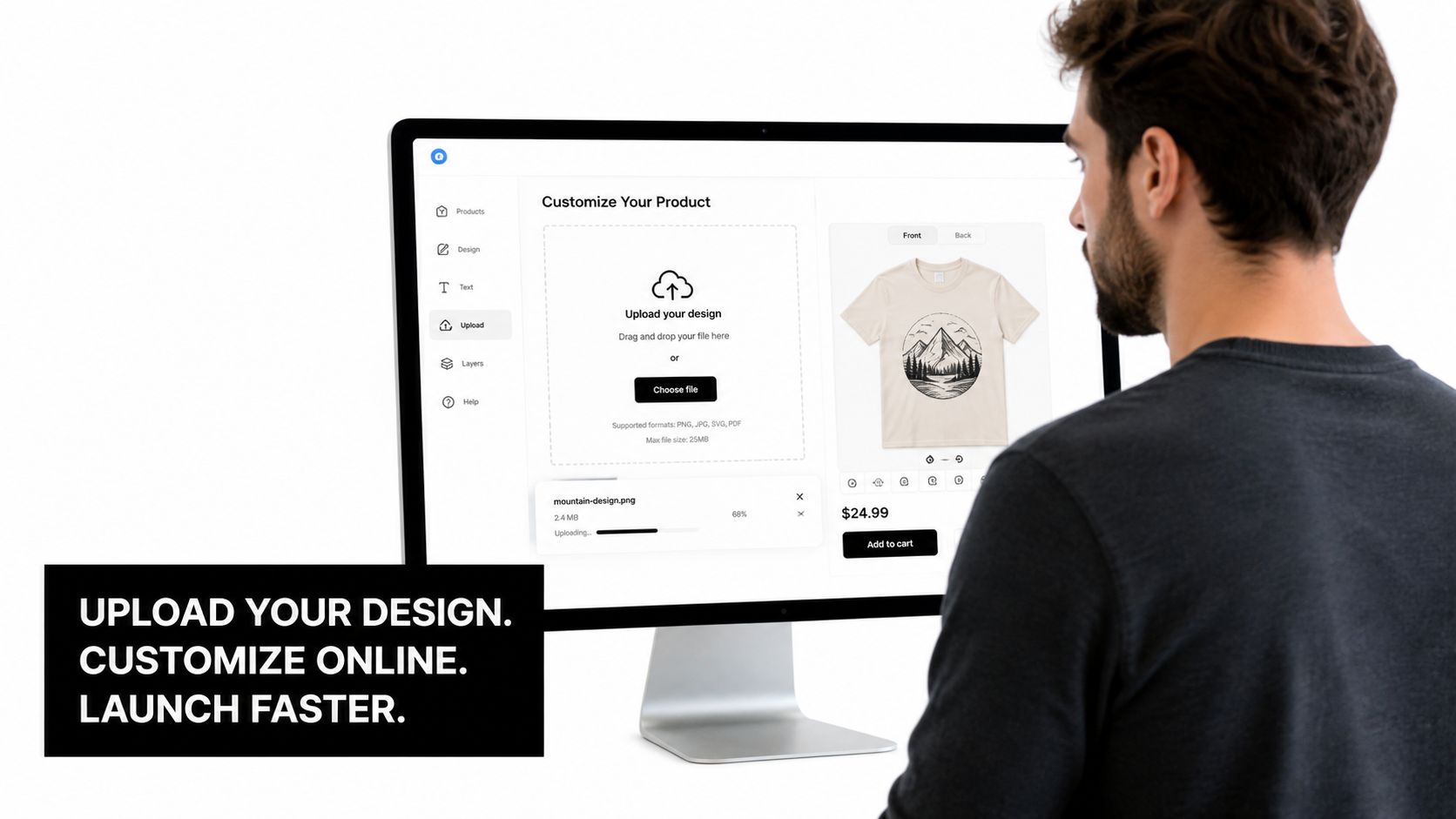
The online ordering process is straightforward once you know that each screen asks you to decide the transfer type, artwork version, and finished size. Choose the transfer category first, then upload the production-ready file rather than a draft. Use the platform preview or mockup to check orientation, proportions, and how the design relates to the selected garment or product.
For a gang sheet, arrange artwork with trimming and application in mind. Group repeated graphics and similar sizes, while leaving enough separation to cut without touching neighboring designs. A tightly packed sheet can use material efficiently, but excessive crowding slows handling and increases cutting errors.
A realistic order sequence
Consider a small brand preparing a mixed launch. The owner uploads a transparent logo, adds several artwork variations to a gang sheet, checks the displayed dimensions, and requests a mockup before approving production. The preview reveals that a back graphic is much larger than intended. Correcting the file before printing takes minutes. Finding the error after pressing several shirts creates waste and rework.
A practical order routine looks like this:
- Select the transfer category: Apparel DTF and hard-surface UV-DTF serve different applications.
- Upload the final file: Do not submit a low-resolution placeholder and plan to replace it later.
- Choose the size or build the sheet: Confirm the intended dimensions for every design.
- Review the preview: Check orientation, transparency, spacing, and placement.
- Choose delivery or pickup: Shipping suits distributed operations, while local pickup can suit nearby makers collecting the order.
- Save the confirmation: Keep the artwork version, order details, and application instructions together.
For a fuller walkthrough of the ordering flow, see Raccoon Transfers' guide to ordering custom DTF transfers online. Raccoon Transfers' catalog information states that orders are usually ready for pickup or shipping within 24 hours, depending on volume. Treat that as a production benchmark, not a complete delivery promise. Your schedule also needs transit, receiving, inspection, garment preparation, and pressing time.
For context on software used for configurable product pages, read RankEngine's customization app breakdown. The operational point is simple: an attractive uploader helps only when the final preview gives you enough information to approve the production file confidently.
Use the supplier's current terms for shipping, pickup, mockups, revisions, and rush handling. Set your customer-facing delivery date only after accounting for the full order process.
The Application Process, Pressing It Right
A transfer can arrive perfectly printed and still fail if the garment isn't prepared or the press settings are wrong. The supplier's application instructions should always take priority because temperature, dwell time, pressure, and peel method depend on the transfer chemistry and the substrate.
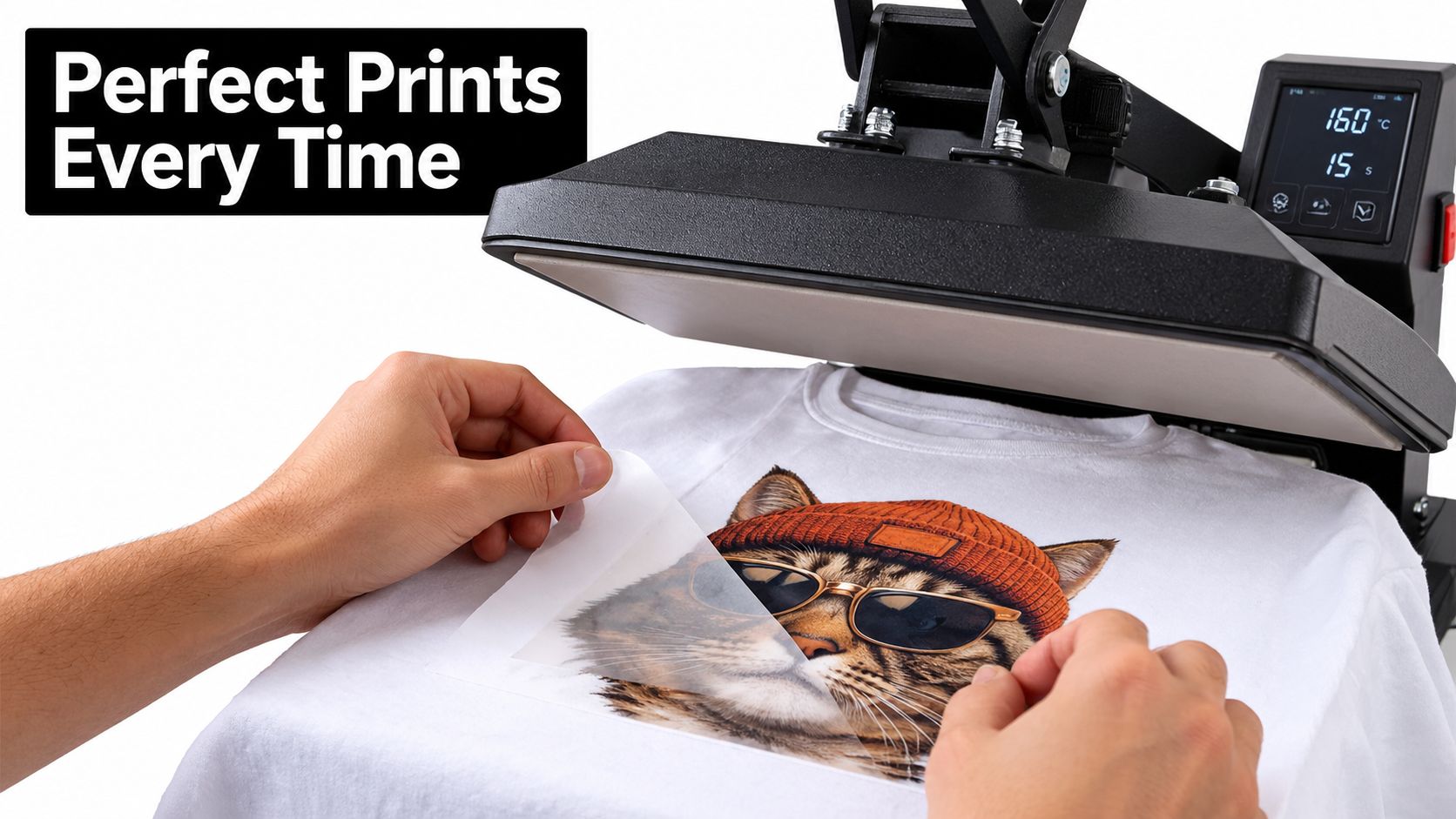
Begin with a clean, dry garment. Press it briefly to remove moisture and wrinkles, then position the transfer with the artwork straight relative to the shirt seams. Check the placement before closing the press. Once the platen is locked, use the specified temperature, time, and pressure rather than guessing from another transfer order.
Control the variables
Cotton generally tolerates a different heat profile from polyester, performance fabric, leather, or a blend. Synthetics can react to excessive heat through scorching, glossing, dye migration, or distortion. Leather and coated materials require their own compatibility checks. Don't assume that a setting that worked on a cotton T-shirt will work on every blank in your inventory.
The peel instruction matters too. Some films require a hot peel, some a warm peel, and others a cold peel. Removing the carrier at the wrong stage can lift edges or disturb the adhesive layer. If the instruction calls for a second press, use the recommended protective sheet and repeat the specified cycle.
Diagnose the finish, not just the appearance
A stiff hand can signal excessive heat, excessive pressure, or a transfer whose finish doesn't suit the garment. Edges that lift immediately often point to insufficient heat, insufficient pressure, moisture, contamination, or incorrect peel timing. A print that looks fine immediately after pressing can still fail later if the adhesive hasn't fused properly.
The Association for PRINTING United Alliance connects failure after five to six washes or excessive abrasion with insufficient heat for proper fusion in relevant textile applications (textile washfastness guidance). Treat wash durability as a measured production issue, not a visual promise.
For repeat orders, record the garment composition, press temperature, dwell time, pressure, peel condition, and operator. Keep a control shirt from materially different jobs and test it after laundering. That record turns a mysterious failure into a setting you can investigate.
Care, Longevity, and Troubleshooting
The first wash is where rushed application and poor care often reveal themselves. Turn the garment inside out, wash it cold, and avoid high-heat drying. High heat can stress the print, the adhesive bond, and the garment fibers, especially when the shirt is washed aggressively or dried at a high temperature.
For UV-DTF graphics, follow the product-specific care guidance. Raccoon Transfers' catalog recommends hand washing for maximum longevity and describes the decals as waterproof and weather-resistant, while also warning that performance varies with use and conditions. Smooth, clean application surfaces still matter more than a broad durability label.
Use the symptom to find the cause
- Bubbling: Check for trapped moisture, wrinkles, contamination, or uneven pressure.
- Cracking: Review heat exposure, garment stretch, curing, and washing conditions.
- Edge lifting: Recheck substrate compatibility, pressure, temperature, and peel timing.
- Fading: Separate normal exposure from harsh laundering, unsuitable cleaners, or excessive heat.
- Poor adhesion on a hard surface: Clean and dry the surface thoroughly, then apply firm, even pressure according to the product instructions.
Keep the package documentation with the order until the garment has passed your own inspection. For a fuller laundering and storage reference, follow Raccoon Transfers' DTF transfer care instructions. If a result still looks wrong, document the garment, artwork, press settings, and failure pattern before contacting support. That information helps the supplier identify whether the issue began in the file, application, substrate, or care process.
Raccoon Transfers provides DTF and UV-DTF transfers by size and gang-sheet formats, with artwork uploads, application guidance, shipping, and local pickup options. Review your file, choose the format that fits the job, and visit Raccoon Transfers to place an order you can press, inspect, and confidently use.